When Should You Replace Your Office Copier? Honest Signs It Is Time
Your office copier is one of those machines you do not think about until it stops working. By the time you are standing over it at five minutes to closing, watching it jam for the third time that day, you have usually waited a little too long to make a change. We hear about it the next morning from offices in New Albany, Jeffersonville, and right here around Clarksville, and the conversation almost always starts the same way: is it worth fixing, or is it time to replace this thing?
The honest answer is that age alone does not decide it. A busy machine might hit its limit at year four, while a lightly used copier in a small office can run smoothly for a decade. So instead of guessing, look at the real signs, then run a simple repair-versus-replace check. Here is how we walk our neighbors through it.
The honest signs it is time to replace
1. Breakdowns are getting more frequent
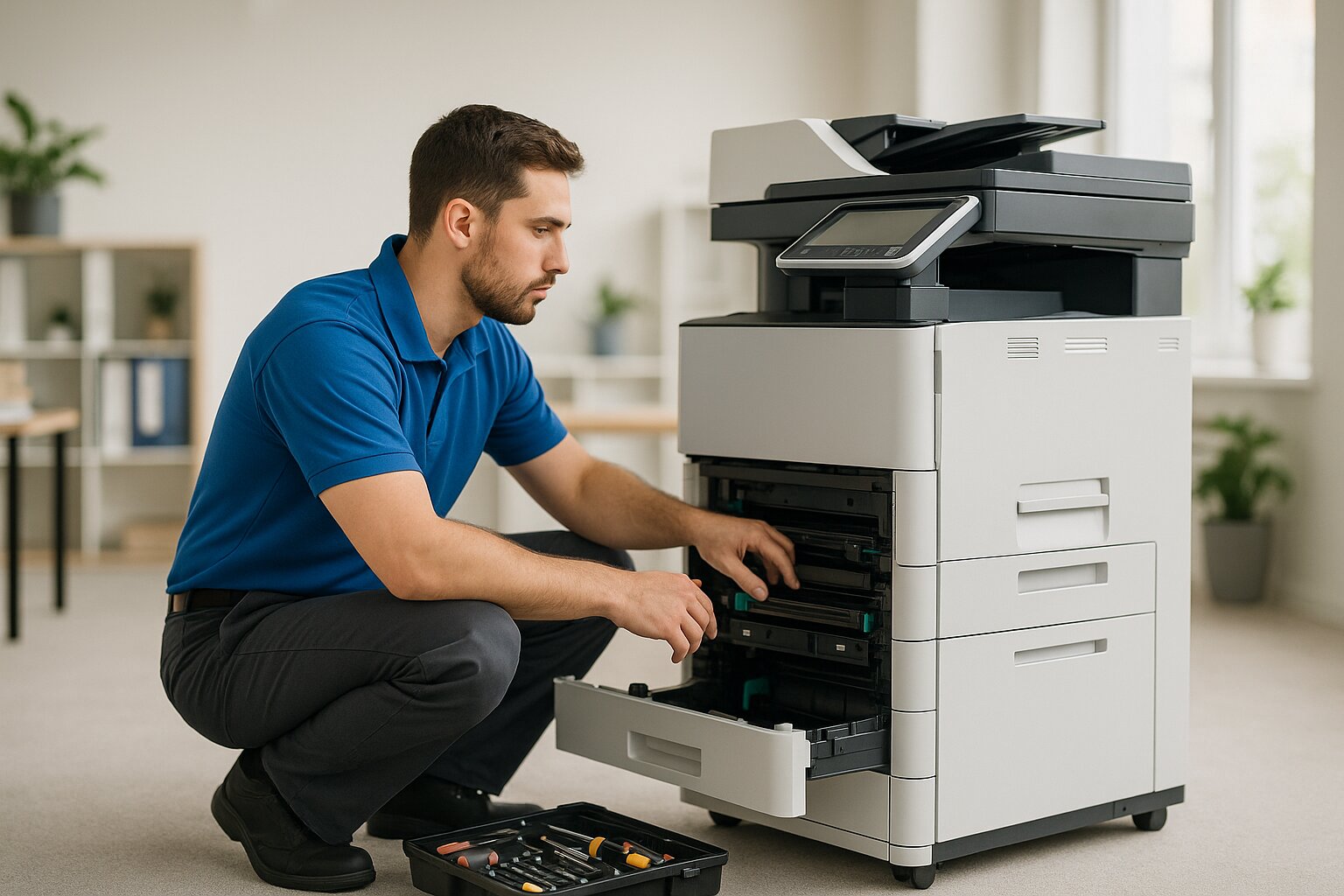
This is the clearest signal. One repair a year on a workhorse is normal. A service call every few weeks is not. When the same machine keeps failing in new ways, you are no longer fixing a copier, you are nursing one. And every time it goes down, your team stops, deadlines slip, and somebody ends up driving a job to a print shop. Those quiet costs add up faster than most owners realize, which is exactly why we put real numbers to them in our look at what copier downtime really costs your business.
2. Your repair bills are climbing toward the cost of a new machine
Pull your repair invoices from the past twelve months and add up parts, labor, and emergency calls. A good rule used across the equipment world is the 50 percent rule: once a year of repairs approaches half the cost of a replacement, you are essentially paying for a new copier without getting one. If you are spending 1,500 dollars a year to keep a machine running that could be replaced for 3,500 dollars, the math is already telling you something.
3. Your cost per page keeps creeping up
Cost per page is the single best number for judging copier economics, because it folds in toner, parts, and service. As a machine wears, toner yield drops and service gets more frequent, so the number climbs. If yours has been steadily rising, a newer machine with better toner yield will usually save you real money every month. Our guide on how to figure your true cost per page walks through every piece of that number.
4. Print quality will not stay fixed
Faded text, streaks, smudges, and ghost images are signs of internal wear. If you have already cleaned the drum, swapped the toner, and run calibration and the problems keep coming back, the issue is deeper than maintenance. Parts like the fuser, transfer belt, and imaging drum have finite lifespans, and once they go, replacing them one at a time can cost nearly as much as a new machine, with the next part usually right behind it. Poor output on invoices and proposals also reflects on your business, so this one matters more than people think.
5. It can no longer keep up with your volume
Every copier is built for a monthly page range called a duty cycle. If your business has grown but your machine has not, you will see it: frequent jams during big runs, slow output that backs up the day, and overheating during long jobs. Check your copier's rated duty cycle against your actual monthly count. If you are consistently running past 80 percent of what it was designed for, you are pushing it harder than it can handle, and the breakdowns above will only get worse. Constant jamming is often the first symptom, which we cover in our piece on why a printer keeps jamming.
6. Parts and toner are getting hard to find
When a manufacturer discontinues a model, the supply chain for parts and toner starts to dry up. You notice it when cartridges are only available from third-party sellers at inflated prices, when replacement parts need special ordering with long lead times, or when your own technician mentions trouble sourcing components. Running on off-brand toner or scarce parts can work in a pinch, but it tends to create more quality problems down the road. Once you are hunting for basic supplies, the writing is on the wall.
Repair versus replace: a simple decision framework
When you are on the fence, run through this side by side. If three or more items in the replace column apply to you, it is almost certainly time to move on.
| Lean toward repair if | Lean toward replace if |
|---|---|
| The copier is under three years old | The copier is over five years old |
| Annual repairs are under 30 percent of a new machine | Annual repairs are nearing 50 percent of a new machine |
| It is a single part failure, not a pattern | You are seeing multiple recurring issues |
| Parts and toner are easy to get | Parts or toner are hard to source |
| It still meets your volume and feature needs | Your volume has outgrown the machine |
If you are leaning toward replacing, you have options
Replacing does not have to mean a big check for a brand-new machine. There are a few sensible paths, and the right one depends on your cash flow and your volume.
- A new machine, sized right. If you buy, choose one rated for at least 20 to 30 percent above your current monthly volume so you have room to grow, and weigh total cost of ownership, not just the sticker price.
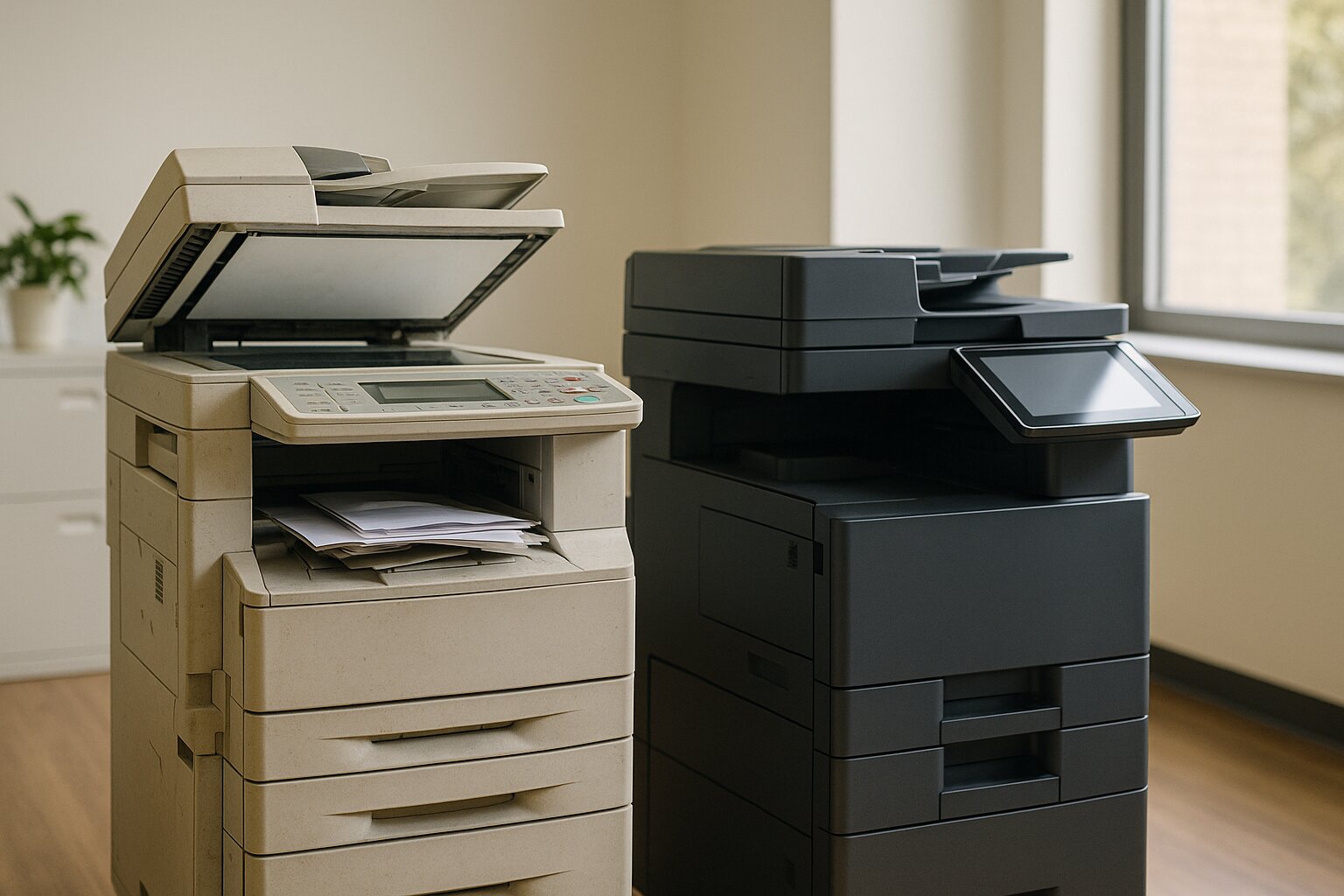
- Off-lease equipment. A professionally refurbished commercial copier can cost far less than new while still handling years of work. We explain how that works in our piece on off-lease office copiers.
- Cost per copy. A simple flat per-page rate bundles the machine, toner, and service into one predictable bill, with no large purchase up front. It is a clean fit for offices that want steady, budget-friendly numbers.
Whichever path you take, you can keep your current machine stocked with toner and supplies for most major brands in the meantime from our online store.
We are your neighbors, not a 1-800 number
An office copier that drains your budget, slows your team down, or hands you output you would not put in front of a client is not saving you money. It is quietly costing you more than a replacement would. The smartest move is to make the call before the next breakdown catches you off guard, and you do not have to make it alone. We are based right here in Clarksville and we help businesses across Floyd County, Clark County, and the Louisville metro decide honestly whether a repair or a replacement makes more sense. We will look at your real numbers and give you a straight answer, even when that answer is keep what you have.
Want a free, no-pressure read on your copier? Reach out anytime at [email protected] or 812.800.8316.
If we help you make the right call, a quick review means a lot to a local shop like ours. You can leave us a review on Google.
Need Help With Your Print Setup?
Get a free consultation and cost analysis from our team.